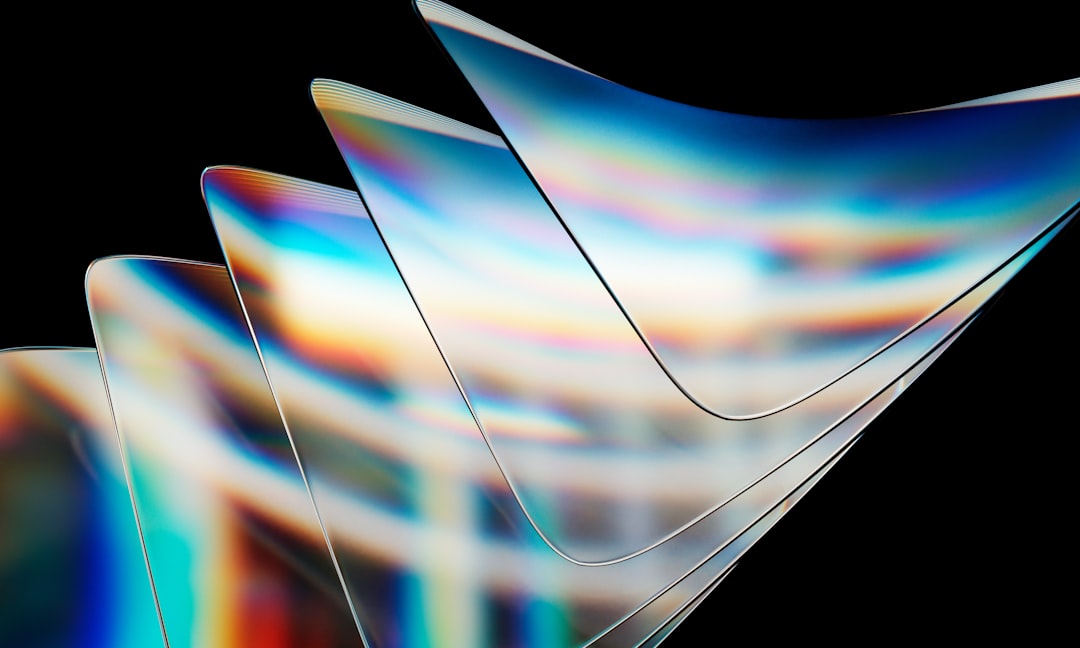
I've been working on a cross-platform app, and I really like the aesthetics of liquid glass on iOS. It feels modern, dynamic, and very "alive" in a way that flat UI doesn’t. At the same time, I keep running into the same tension: how do I carry that same visual language over to Android without it feeling inconsistent or over-engineered.
It's less about whether liquid glass looks good, and more about whether it can stay coherent across platforms with very different rendering capabilities.
How liquid glass works
Liquid glass is a real-time rendering effect, not just styling. It works by taking what is behind a surface and reprocessing it with blur and distortion before drawing it again.
Typical pipeline:
- Render background into a texture
- Apply blur (usually downsampled first)
- Run a shader for refraction or lens distortion
- Add highlights, glow, or chromatic effects
The GPU is required because this is per-pixel computation across the whole screen at frame rate. It relies heavily on parallel processing, which GPUs are designed for.
Where it can be built today
On Android, there are already practical building blocks for this kind of effect. Libraries like AndroidLiquidGlass and KMPLiquidGlass provide ready-made implementations ranging from simple frosted surfaces to shader-based distortion effects. These sit on top of RenderEffect, Skia, or AGSL shaders depending on complexity and Android version.
On React Native, similar ideas exist through @callstack/liquid-glass, which wraps native iOS material APIs for high-quality effects, and react-native-liquid-glass, which tries to bring a more cross-platform shader-based approach. For more control, react-native-skia is often used to build custom liquid glass effects using GPU shaders.
On the web, CSS "backdrop-filter" gives basic blur and translucency, but it cannot do real distortion or refraction. For that, WebGL or WebGPU is required. With Three.js, you can render the scene into a framebuffer and apply shader-based effects like distortion, chromatic aberration, and animated noise to simulate a liquid lens surface.
Device readiness
Due to the need for GPU power, not all devices can handle full liquid glass effects smoothly. Roughly:
- 30% of devices can run full effects smoothly (flagships, modern GPUs)
- 40% need simplified versions (reduced blur, fewer layers)
- 30% require fallback due to performance limits
The main bottleneck is GPU fill rate and number of render passes, not just raw compute power.